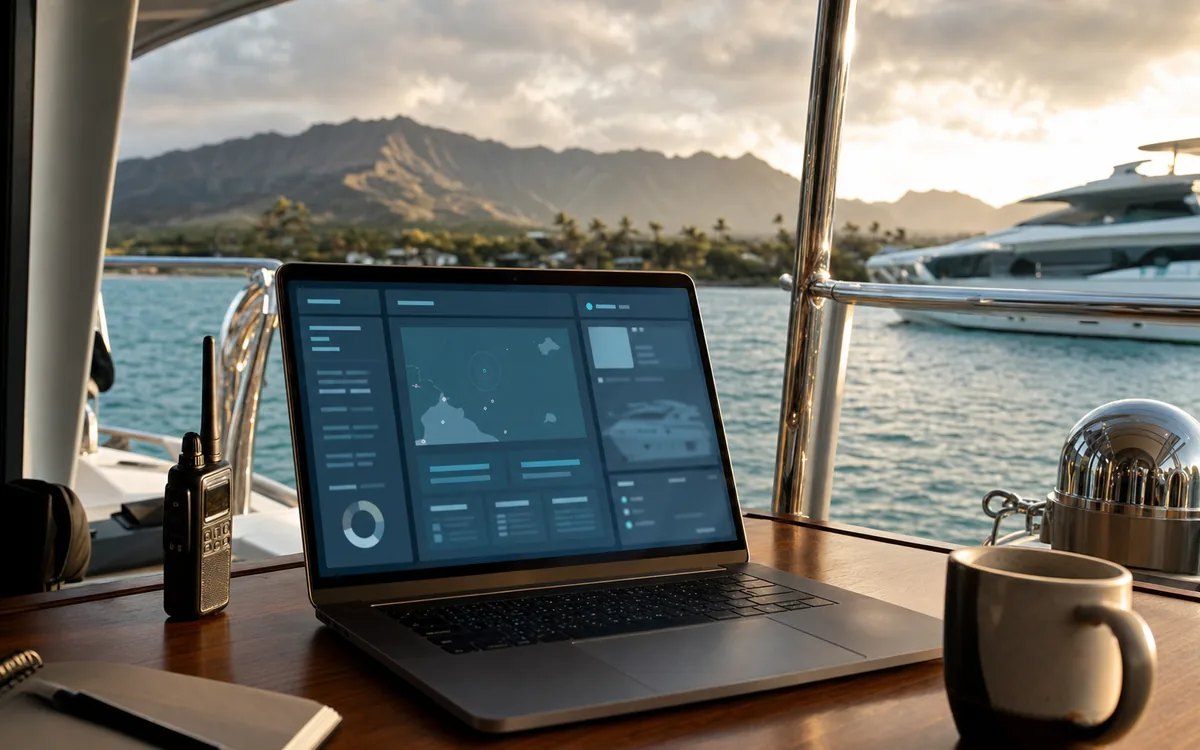
Planning-grade comfort for the vessel in the call.
Authorized clients sign in to MERIDIAN for a per-vessel comfort read. Vessel particulars and the wind, wave, and swell forecast become a GO, CAUTION, or NO-GO window the captain can weigh. HYANS coordinates the shore side; the navigation decision stays with the captain.
A comfort window for one vessel.
MERIDIAN reads a specific vessel against wind, wave, and swell and states the result as GO, CAUTION, or NO-GO. It is planning-grade context for the captain and operator. Official charts, notices to mariners, and the captain's judgment remain the navigation standard.
Sign-in is limited to people the client authorizes — owner, captain, manager, or family office. HYANS issues it for an engagement. This marketing site does not show client records.
Owner to confirm: HYANS does not publish specific security certifications or encryption specifications on this page. Any formal security claim — for example a named compliance framework or a specific encryption standard — is provided on request and is subject to owner verification. This page describes the planning-grade comfort sign-in, not a certification.
What HYANS coordinates
- →A planning-grade comfort read for the specified vessel
- →A GO, CAUTION, or NO-GO window for the leg, anchorage, or harbor move under review
- →NOAA forecast context summarized for that window
- →Shore-side timing coordinated around the window the captain accepts
- →Briefings an owner or manager can read with the captain
- →Access limited to the people the client authorizes
- →A clear scope of the sign-in before credentials are issued
- →The navigation decision left with the captain and operator
Typical requests we handle
The vessel and the window
- Vessel particulars for the comfort read
- Intended leg, anchorage, or harbor move
- Target dates and any flexibility in the window
- Comfort or motion sensitivities
Who should see it
- Captain and operator contact
- Owner or manager, if they should have sign-in
- Any confidentiality requirements
- The captain's own routing sources
Before arrival, in port, before departure
- Name the vessel and the window
Share particulars, the leg or harbor move, and who should see the comfort read. HYANS confirms scope before sign-in is issued.
- Read the window before arrival
HYANS prepares a planning-grade GO, CAUTION, or NO-GO from the vessel and the forecast. The captain weighs it with their own sources.
- Use it while the vessel is in port
The same comfort context can inform a harbor move or a departure window. HYANS coordinates shore-side timing around the decision the captain accepts.
- Leave the navigation call with the captain
The sign-in is supporting context. Route, timing, and whether to proceed stay with the captain and operator.
Vessels this supports
Each links to how HYANS scopes the call for that vessel type.
Superyachts
Comfort context for arrival and any interisland leg.
Learn more →Commercial Vessels
Planning context for a harbor move or departure.
Learn more →Research Vessels
Comfort context for a working window.
Learn more →Government & Conservation
Access-controlled sign-in for authorized users.
Learn more →Explorer Yachts
Comfort context for a Pacific stop and the next leg.
Learn more →Tugs, Barges & Workboats
Planning context for a working move.
Learn more →What to prepare
For the comfort read
- Vessel particulars
- The leg, anchorage, or harbor move
- The window you are weighing
- Any motion or comfort limits
For sign-in
- Who should have access
- Captain and operator contact
- Any confidentiality requirements
- The captain's own routing sources
Frequently asked
Is MERIDIAN a navigation product?
Who can sign in?
What does the sign-in show?
Does this page claim a security certification?
Want a comfort window for this vessel?
Tell HYANS the vessel, the leg, and the dates. Authorized clients can review a planning-grade GO, CAUTION, or NO-GO. The captain retains the navigation decision.