
Use cases
What MERIDIAN coordinates, end to end.
The same operating core shows up as a handful of concrete workflows. Each turns a scattered, repeated coordination problem into one controlled file — with clear owners, status, and records.
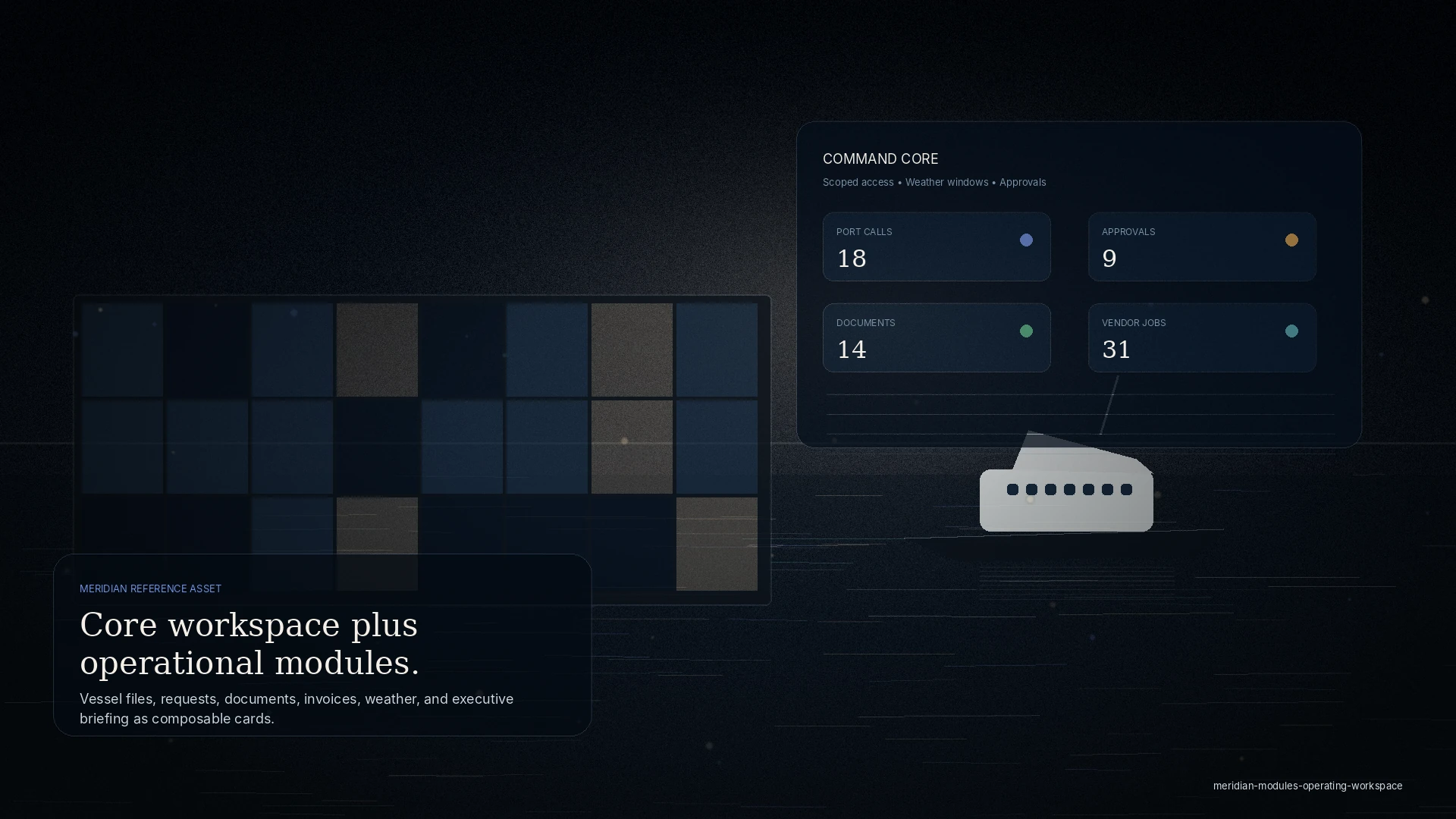
Coordination
Port call planning
A port call touches a dozen parties — agent, marina, fuel, provisioning, transport, authorities — and the plan usually lives in one person’s inbox. When something moves, everyone finds out late.
MERIDIAN opens one visit file for the call: ETA and ETD, berth, services, documents, and the people invited to it. Each request and approval has an owner and a status, so the plan reads the same for everyone looking at it.
Who’s involved
- Captain or vessel operator
- Local agent or port-service team
- Marina or harbor contact
- Invited service vendors
- Principal or manager
What improves
- Fewer surprises at arrival
- One shared timeline
- A clean handoff to the next port
Records created: A visit file with services, approvals, documents, and a closeout packet.
Service
Vendor coordination
Who’s involved
- Service vendors and contractors
- The agency, marina, or captain who dispatched the work
- Principal representative for approval
What improves
- Clear scopes
- Fewer access failures
- Faster, evidenced completion
Records created: A dispatched job with scope, access window, quote, and completion photos.
Vendors get scope by phone and photos by text, the office re-explains the same context to every trade, and completion evidence scatters across threads.
Invite a vendor to a single job with scope, a site-access window, and photos. They check in, do the work, and attach completion evidence — all tied to the vessel or slip and visible only within that scope.
Financial
PDA/FDA and cost control
A proforma disbursement account goes out, real costs arrive piecemeal, and the final account is reconciled from a pile of invoices weeks later.
Build the PDA, route approvals, collect vendor invoices as backup against each line, and close out with a final account that ties to the visit — an auditable trail from estimate to FDA.
Who’s involved
- Agency or management desk
- Principal or manager approving spend
- Vendors submitting invoices
What improves
- Approvals with context
- Clean invoice backup
- A defensible final account
Records created: A PDA, approvals, invoice backup, and an FDA closeout packet.
Context
Weather & anchorage intelligence
Who’s involved
- Captain, who owns the decision
- Operations or agency planning the window
- Principal expecting a briefing
What improves
- Context in one place
- A recorded rationale
- Better-timed movements
Records created: A weather-window and anchorage context note attached to the visit briefing.
Weather windows and anchorage notes live in screenshots and memory, and the reasoning behind a go or hold decision rarely survives to the next call.
Planning-grade forecasts, weather windows, and anchorage context sit next to the visit as decision context, recorded with the call. It never replaces the captain’s judgment — it gives the decision a shared reference.
Readiness
Document readiness
Certificates, clearances, insurance, and vessel particulars are requested again at every arrival, and an expiry is usually discovered at the worst possible moment.
Keep vessel and visit documents in one vault with expiry awareness, so the packet for a clearance or a berth is ready before it is asked for.
Who’s involved
- Captain or manager keeping documents current
- Agent assembling clearance
- Marina or harbor requiring documents
What improves
- Fewer repeated requests
- Nothing expired at arrival
- Faster clearance
Records created: A document vault with expiry-aware records and per-visit packets.
Visibility
Executive briefings
Who’s involved
- Principal, representative, or family-office staff
- The manager or agency preparing it
What improves
- Less noise
- Current status
- Discretion by role
Records created: A principal- or manager-facing briefing drawn from the live file.
Principals and managers want the picture, not the dock-level noise — but the picture usually means someone stitching a status update together by hand.
A briefing composes from the same operating file — readiness, approvals, service status, and cost — so principals and managers see a clean, current picture without exposing every underlying thread.
Property
Tenant requests & property coordination
Tenant and slipholder requests arrive by call, text, and walk-up. Details get lost, and everyone re-explains the same thing.
Tenants and visiting vessels submit requests, keep documents ready, and coordinate approved vendor access from a private workspace connected to the property — routed to the right team the first time, with clear status. Respectful and permissioned, not a monitoring feed.
Who’s involved
- Marina tenants, slipholders, and visiting vessels
- The marina or property team
- Invited vendors
What improves
- Fewer lost requests
- Clearer status
- Better arrival readiness
Records created: Tenant and vessel requests, notices, documents, and approved-access records.
In the product
Two of these use cases, on screen.
Vendor coordination and cost control run through the service desk; weather and anchorage intelligence runs through the guides.
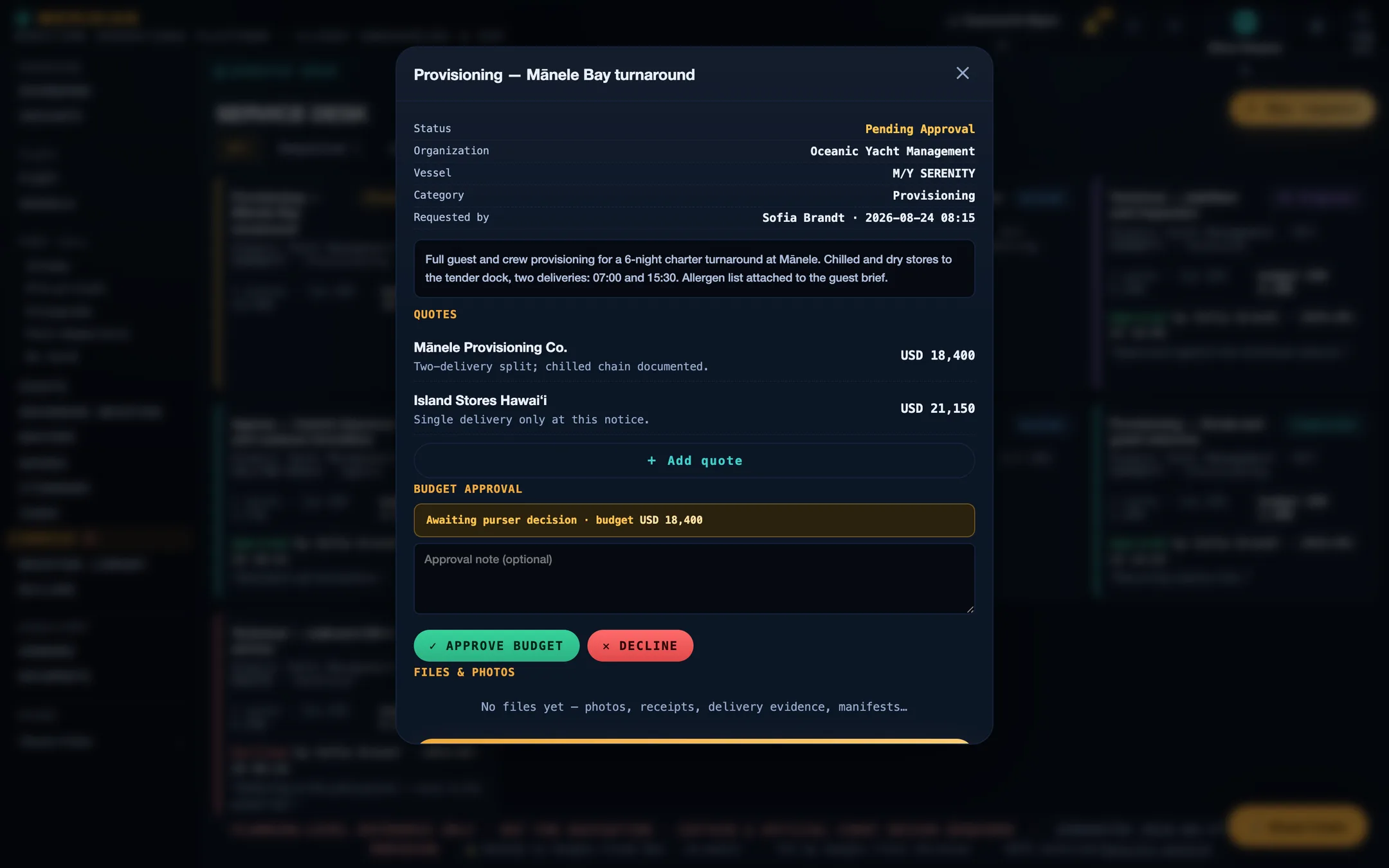
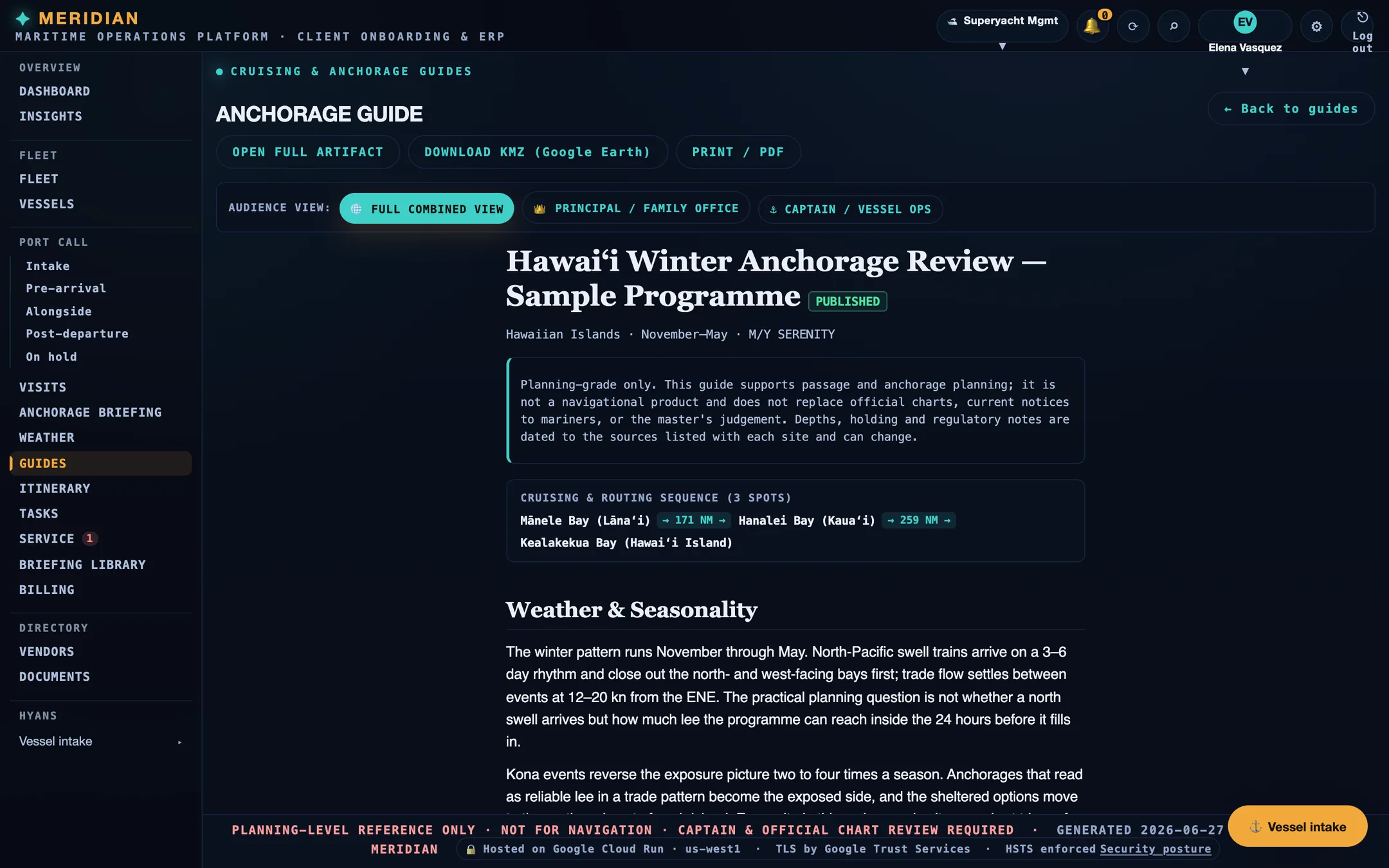
Screens are from the current build, populated with sample data. Vessels, organisations, people, vendors, and figures shown are illustrative and are not those of any client.
Ready
Put your next port call in one file.
Every workspace begins with intake, review, and a written proposal. Guest workspaces are approved manually.