
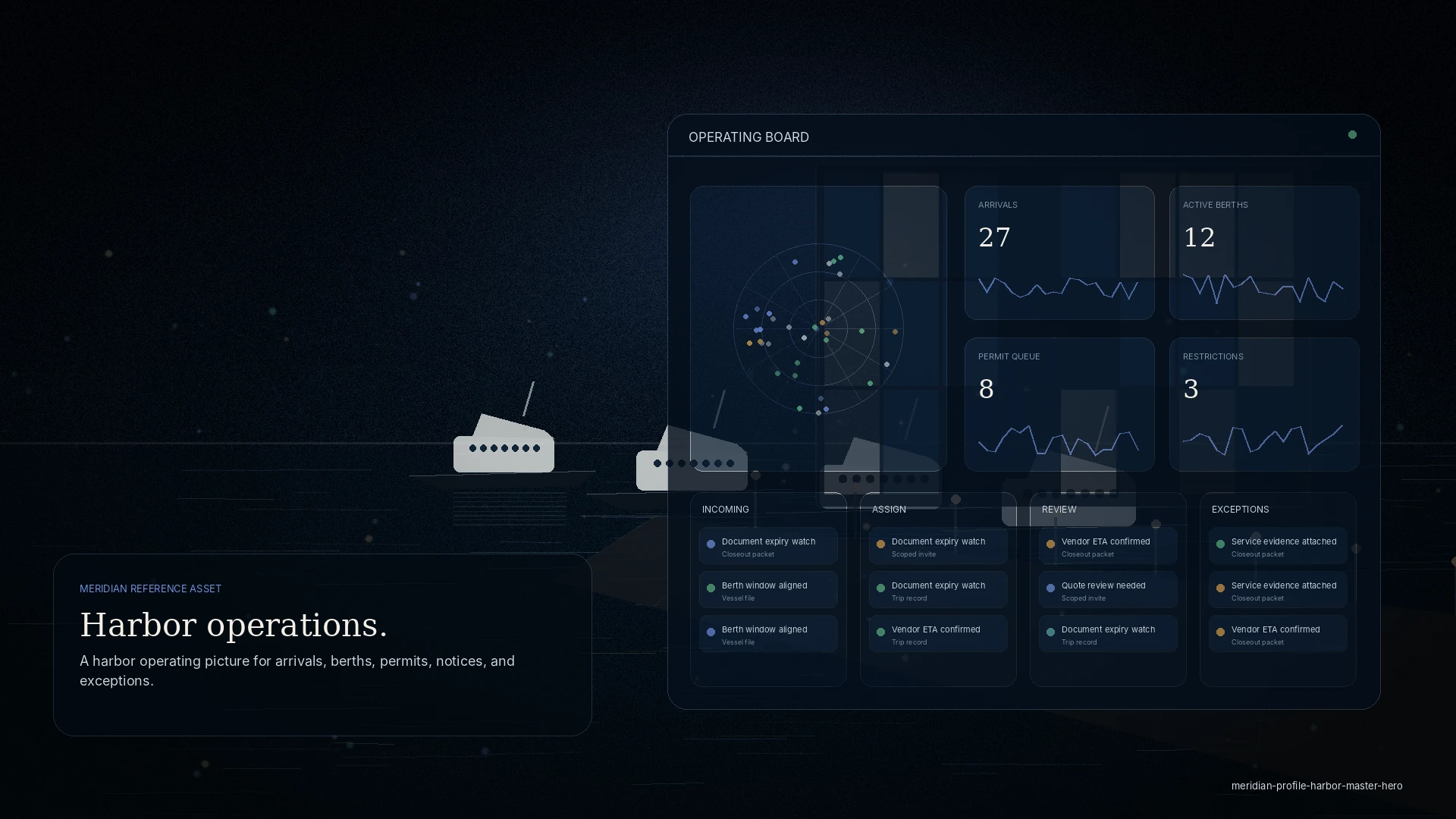
Arrival and departure queue
See expected arrivals, ETAs, vessel class, LOA/draft, requested services, and readiness blockers.
Queue detail
Designed for review, triage, assignment, and communication before the vessel is physically on approach.
harbor operations
A MERIDIAN site version for harbor master and port-office teams managing vessel movements, transient requests, berth assignments, anchorage/mooring status, permit review, service impacts, tenant communication, and real-time exception handling.
Tailored service story
This version keeps the navigation functional and service-led, while adapting language, metrics, tasks, and operating examples to harbor master.
See expected arrivals, ETAs, vessel class, LOA/draft, requested services, and readiness blockers.
Designed for review, triage, assignment, and communication before the vessel is physically on approach.
Match vessel requirements to availability, restrictions, service needs, and local operating constraints.
Supports berth suitability notes, power/water needs, draft, LOA, duration, and conflict flags.
Track transient applications, commercial permits, insurance, certificates, crew/guest documents, and missing items.
Queues can separate submitted, incomplete, under review, approved, and declined items.
Publish operational notices, restriction zones, dock closures, weather impacts, maintenance work, and safety updates.
Send notices to affected vessel classes, tenants, staff, vendors, or berth zones.
Common pain points
The movement picture lives in a logbook and a dozen calls.
Assignments, permits, and notices sit in separate lists.
What changed during a shift is hard to hand off cleanly.
Your command deck
MERIDIAN is permissioned by role. You see your operation, and only your operation.
Working together
Intake arrivals and requirements in one place.
Coordinate berths and services.
Scoped to permitted work.
Example workflow
Queue the movement and its requirements.
Berth, mooring, or anchorage.
Permits and documents.
Notices out; a clean shift handover.
Public-facing and internal views are separate; sensitive detail stays with the office.
Guest and invited access is approval-gated and scoped — never open public signup.
Discretion
Everyone invited into your operation sees only what their role needs. The operating file stays yours.
Questions
No — it is a harbor operating picture for arrivals, berths, permits, and notices, not a public reservation widget.
Yes — a review queue keeps permit and document status in one place.
Notices and advisories are published to the vessels and agents they apply to.
Yes — what changed during a shift is visible for a clean handover.
Get started
See how MERIDIAN adapts to your workflows, or request a walkthrough tailored to your operation. Access is reviewed and routed — guest workspaces are approved manually.