
Maintenance request
Report dock, slip, utility, facility, or vessel-adjacent issues with notes and photos.
Request detail
Tenant can add location, urgency, availability, photo evidence, access notes, and preferred contact method.
tenant portal
A MERIDIAN site version for marina tenants and slipholders who need to request maintenance, utilities, access, deliveries, parking, vendor visits, dock support, notices, and status updates without calling the office for every follow-up.
Tailored service story
This version keeps the navigation functional and service-led, while adapting language, metrics, tasks, and operating examples to marina tenants.
Report dock, slip, utility, facility, or vessel-adjacent issues with notes and photos.
Tenant can add location, urgency, availability, photo evidence, access notes, and preferred contact method.
Request help for power, water, pedestal, Wi-Fi, lighting, pump-out, waste, or meter-related issues.
The request stays tied to a slip or vessel profile so staff can route it properly.
Notify the marina about vendor visits, deliveries, crew access, guest arrivals, or temporary access needs.
Can include name, company, date, arrival window, destination, and required approval.
Submit package, loading, temporary parking, cart, or dockside delivery requests.
Helps the marina know what is coming, when, and where it should go.
What it means for tenants
Not more administration — fewer loose threads. One private place for the operational details that usually scatter across calls, texts, and forms.
Your vessel details and documents stay ready, so you are not re-sending the same information at every renewal, arrival, or request.
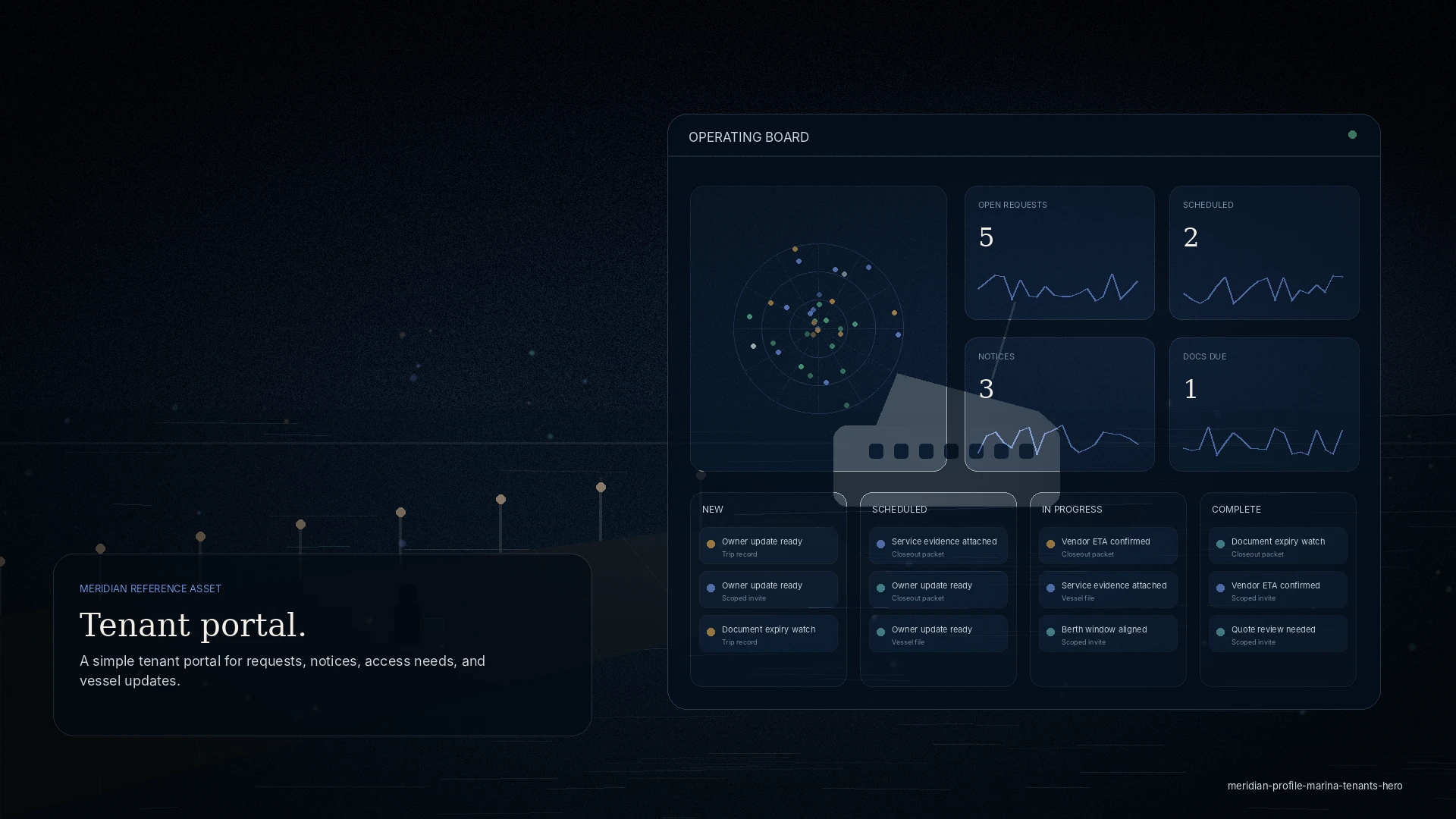
See whether a request is received, scheduled, in progress, or complete — without calling the office to ask.
Submit maintenance, utility, delivery, or dock-support requests with notes and photos, routed to the right team the first time.
Keep insurance and vessel documents current in one place, so nothing holds up an arrival or a berth.
Coordinate an approved vendor or delivery with a clear arrival window — a clean handoff, not a scramble at the gate.
Get ready for arrivals, departures, and seasonal changes with the notices and details in front of you.
Notices & updates
Dock notices, requirements, and marina updates land in your workspace instead of a stack of emails — so you catch the details that matter and skip the ones that do not apply to you.
Privacy & permissions
MERIDIAN is permissioned by role. Your workspace shows your operation, and only your operation.
Access
Tenant access is by invitation from your marina or operator — never open public signup.
You receive a private workspace scoped to your slip or vessel. There is no public listing and no self-service sign-up.
Vessel details, documents, and requests — kept private to your scope and shared only with your service team.
Requests, approved vendor access, and notices in one place. Your access ends when your tenancy does.
Tenant questions
Straight answers about access, privacy, and what MERIDIAN is — and is not.
You do not sign up on your own. If your marina or harbor runs MERIDIAN, they invite you to a workspace scoped to your slip or vessel.
Yes — an invitation from your marina or operator is exactly how tenant access begins.
The marina sees the requests, documents, and vessel details you share for your slip — the information needed to coordinate service. It is not a feed of your everyday activity.
Yes — maintenance, utilities, deliveries, parking, and dock support, with notes and photos, and you can follow each one’s status.
Yes. You or the marina can coordinate approved vendor access for work on your vessel, with a clear arrival window.
Yes. Keeping insurance and vessel documents ready in one place means fewer repeated requests at renewal or arrival.
No. Your workspace is private and permissioned — not a public listing, a directory, or a tracking page.
Your scoped access ends with your tenancy. Your workspace is tied to the relationship, not published anywhere.
Access is granted by your marina or operator and scoped to your slip or vessel. You control the details you choose to add.
Get started
If your marina runs MERIDIAN, ask them to invite you — or reach out and we will point you to the right operating team. Tenant workspaces are private, permissioned, and invitation-based.