
No single portfolio view
Each vessel’s status lives in a different tool, agent, or inbox.
Fleet-led · Management Fleet
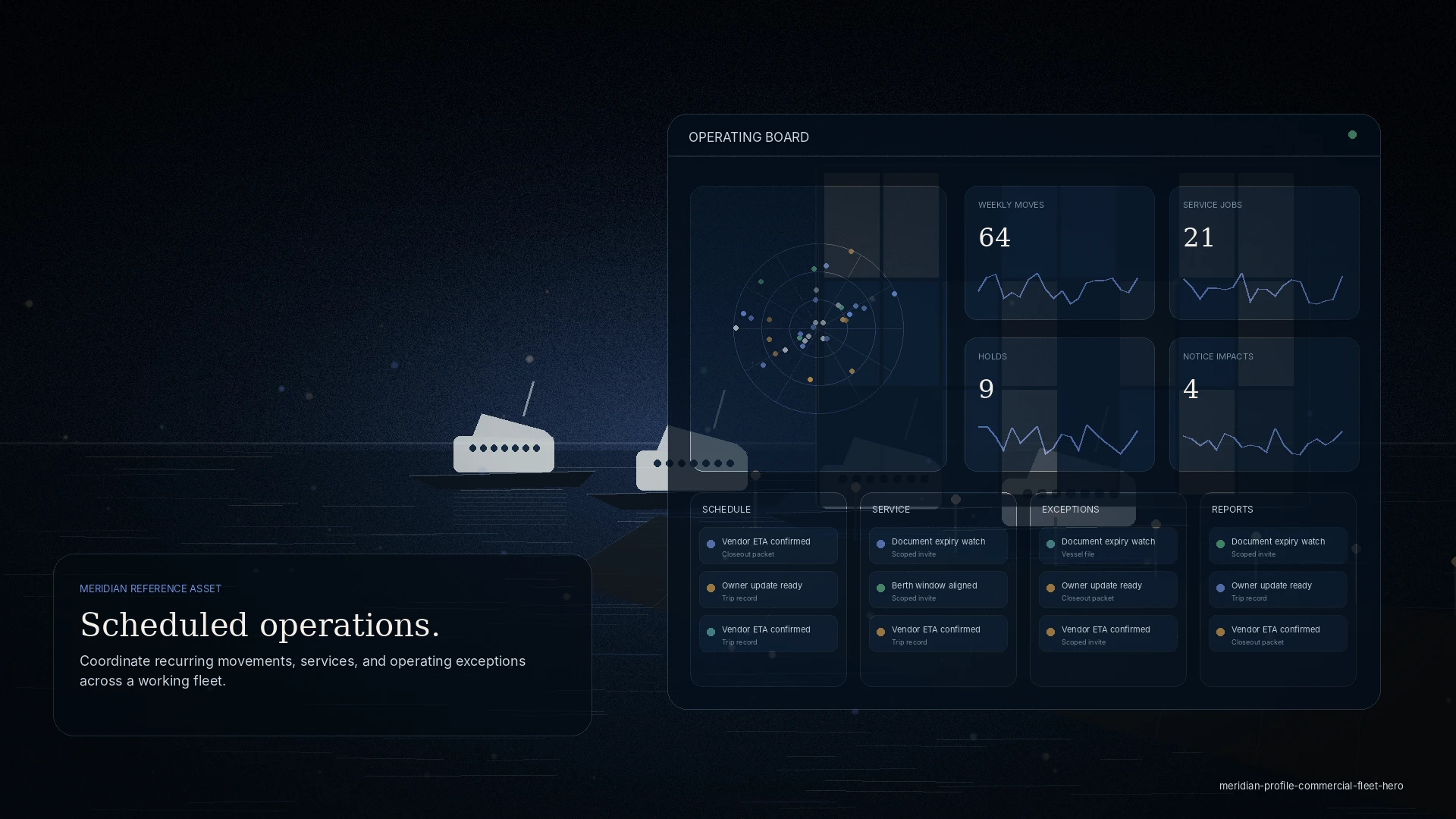
MERIDIAN Management Fleet gives management companies, fleet operators, family offices, and principal representatives one dashboard across multiple vessels — recurring work, service visibility, documents, cost control, approval routing, and executive reporting.
Who it is for
The problem
Each vessel’s status lives in a different tool, agent, or inbox.
Spend is approved from a number, not the visit behind it.
The principal picture is stitched together manually, every time.
The change
Key modules
Role access
Example workflow
One dashboard across every managed vessel.
Spend routes to the right manager with visit context.
Consolidated cost history and supplier performance.
A clean, current briefing from the live file.
Touchpoints
A clear, current picture across the fleet — discretion by role.
Approve with context and see cost history across calls.
Scoped to a single vessel and job, with evidenced completion.
Discretion
Every invite is scoped. Partners see the visit, request, or document you share — never your wider operation, finances, or other clients.
Questions
It starts with up to three vessels and scales; larger fleets and private offices move to an enterprise program.
Yes — a vessel can be shared to a co-managing tenant, who sees only that vessel, not your wider fleet.
Yes. Executive briefings compose from the live file and show readiness, approvals, and cost without exposing every thread.
No — it produces clean cost history and invoice backup, and exports to your finance system.
On screen
Quotes, the approval tier, and the recorded decision sit on the request itself — not in a separate approval thread.
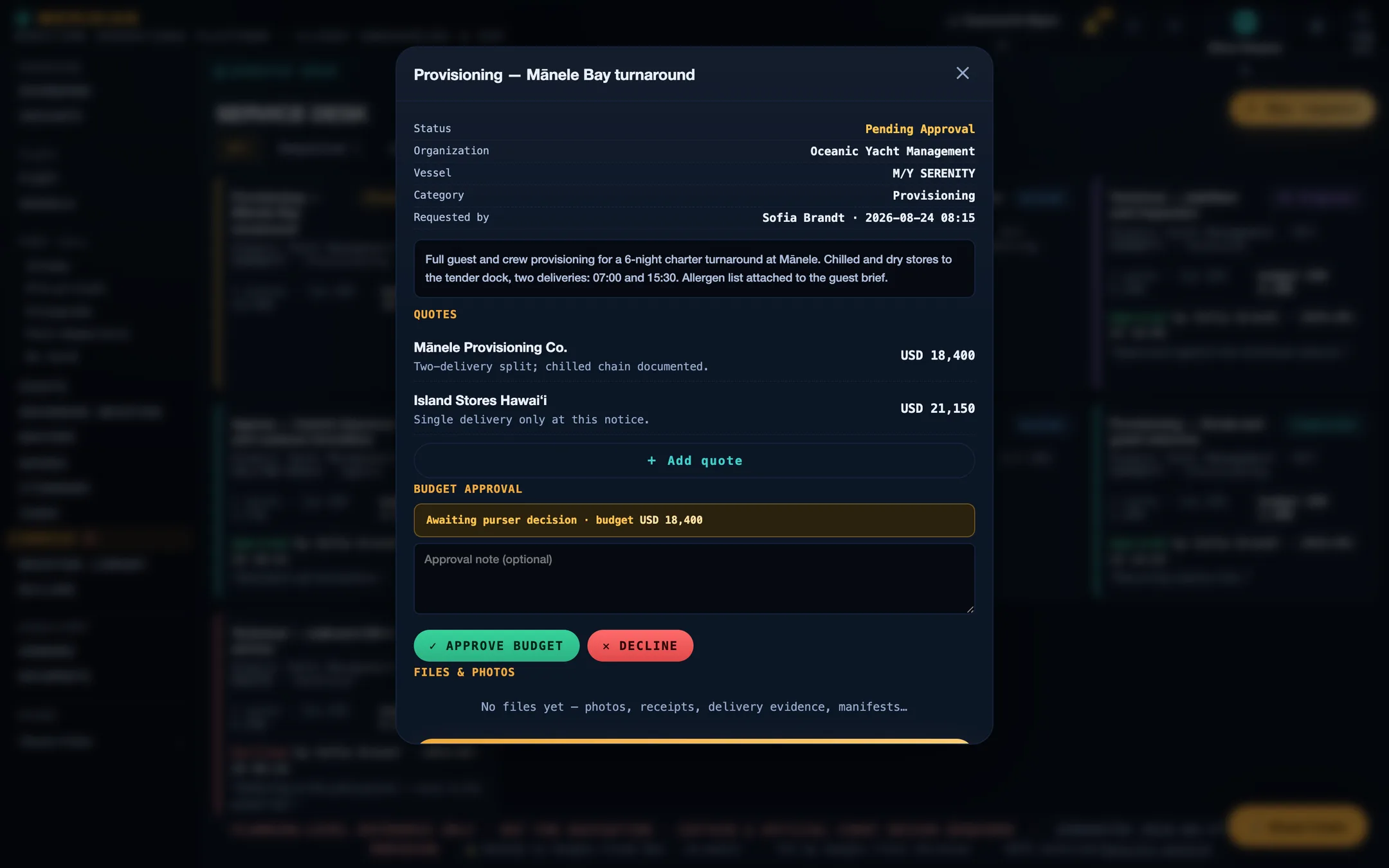
Screens are from the current build, populated with sample data. Vessels, organisations, people, vendors, and figures shown are illustrative and are not those of any client.
Ready
Every workspace begins with intake, review, and a written proposal. Guest workspaces are approved manually.