
Requests arrive everywhere
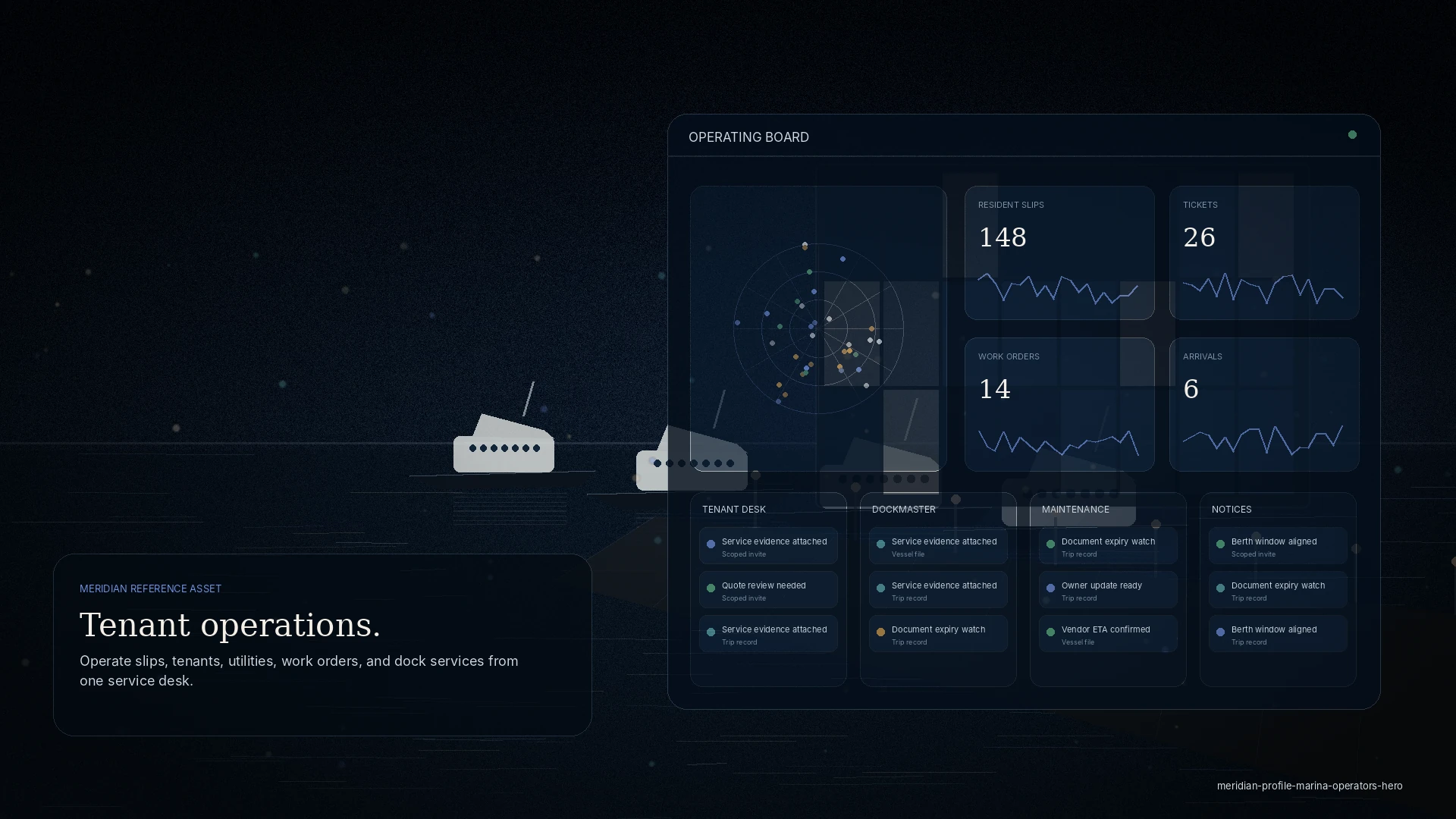
Tenants, guests, and vendors reach the desk by phone, text, and walk-up.
Network-led · Destination Network
MERIDIAN Destination Network gives marinas, harbors, port offices, and multi-property destinations one layer to coordinate tenants, transient guests, vendors, port partners, notices, arrivals, service requests, documents, and local operating rules.
Who it is for
The problem
Tenants, guests, and vendors reach the desk by phone, text, and walk-up.
The same vessel and tenant details are collected again at every touch.
Berths, arrivals, permits, and notices live in separate lists.
The change
Key modules
Role access
Example workflow
One property file for visiting vessels and tenants.
Berths, service requests, and approved vendor access.
Requirements and updates reach the right people.
Regional and property reporting from the live file.
Touchpoints
A private workspace for requests, notices, and approved access — respectful and permissioned.
An approved network, scoped to each property and job.
Coordinate arrivals and requirements without a shared inbox.
Discretion
Every invite is scoped. Partners see the visit, request, or document you share — never your wider operation, finances, or other clients.
Questions
No. Destination Network is an operating layer for coordination — arrivals, service, tenants, vendors, documents, and notices — not a public reservation widget.
Tenants are invited by the property to a scoped workspace — no public signup — and see only their own slip or vessel.
Yes. Multi-property and regional networks are supported; larger networks move to an enterprise program.
Vendors join free when invited by a subscribing property; a Vendor Pro upgrade adds their own dispatch workspace.
On screen
The guide studio turns destination knowledge into a reviewed, publishable product: sources gathered, geometry computed, publication gated on a lint pass.
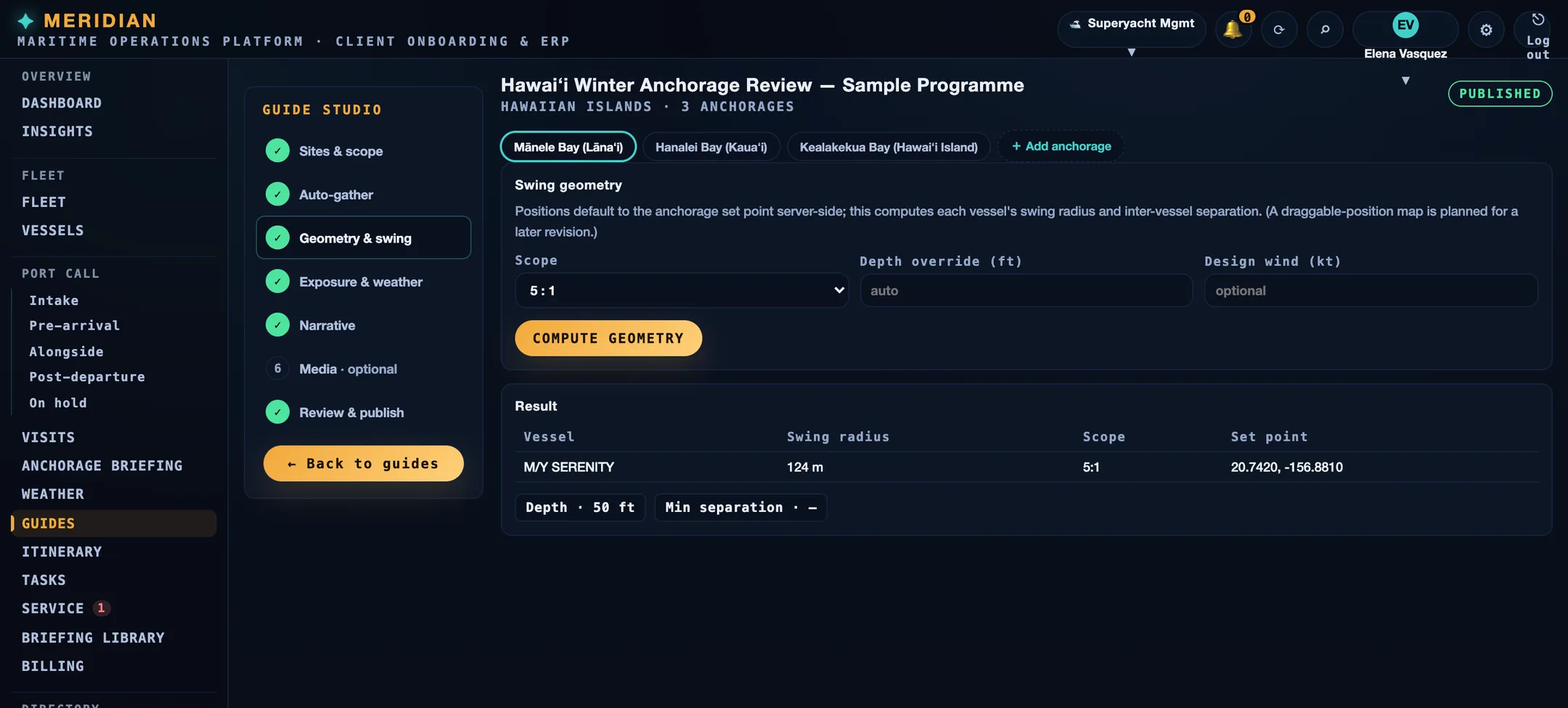
Screens are from the current build, populated with sample data. Vessels, organisations, people, vendors, and figures shown are illustrative and are not those of any client.
Ready
Every workspace begins with intake, review, and a written proposal. Guest workspaces are approved manually.