
Vessel-led · Vessel Desk

Your vessel’s own operating file, carried port to port.

MERIDIAN Vessel Desk gives a single yacht, exploration vessel, support vessel, or private vessel office one controlled file for movements, port calls, service work, documents, vendors, weather windows, and principal visibility — and invites each port’s agents and vendors into only what they need.
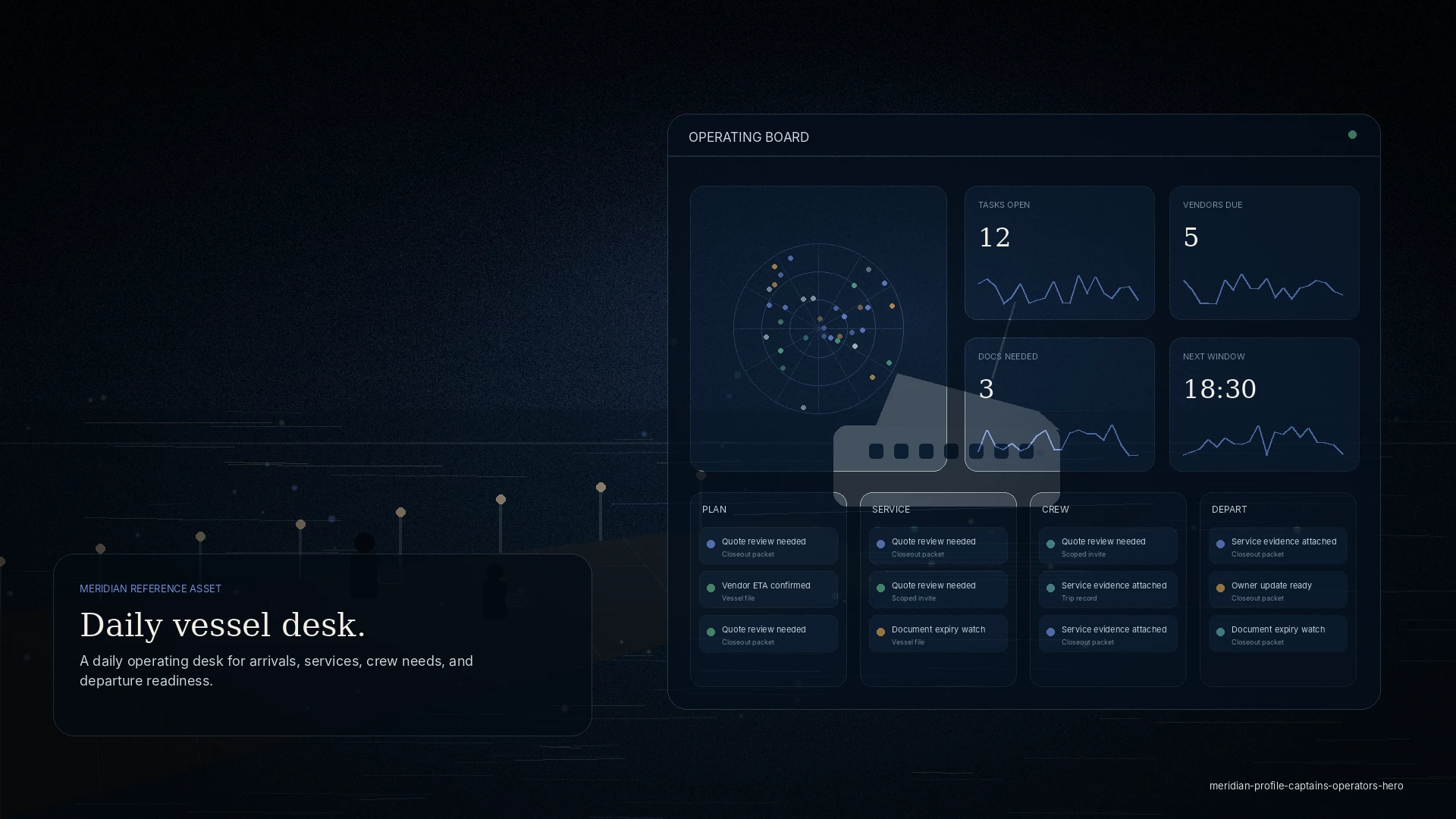
A captain reviewing an arrival and weather window on a tablet near a vessel bridge at dawn.
Vessel Desk · one file, every port
$1,250from / mo per vessel
Target pricingconfirmed in a written proposal
Guest loginapproval required
Scoped invitesvendors & tenants free

Who it is for

Built for this seat.

  • A superyacht, exploration, or support vessel carrying its own operating history
  • A captain or vessel operator who wants structure without a management layer
  • A private vessel office coordinating its own port calls and vendors
  • Principals who want visibility without running the dock-level detail

What it helps coordinate

  • Movements, arrivals, and departures
  • Service requests and vendor work
  • Documents, certificates, and clearances
  • Weather windows and anchorage context
  • Cost approvals and invoice backup
  • Principal and manager visibility

The problem

Common operational problems.

Scattered across inboxes

The plan for a call lives in one person’s phone; when it moves, everyone finds out late.

A new agent every port

Each arrival re-explains the vessel from zero — preferences, documents, history.

Evidence goes missing

Quotes, receipts, and completion photos land in threads no one can find at closeout.

The change

How MERIDIAN changes the workflow.

  • One visit file per port call, with an owner and a status on every request
  • A reusable vessel profile and document vault, so nothing is re-sent
  • Scoped invites for the agent and vendors at each port — they see only their job
  • A weather-window and anchorage note recorded with each decision, never replacing the captain
  • A closeout packet that ties services, approvals, and invoice backup to the call

Role access

Who gets a command deck.

Example workflow

One call, start to finish.

Plan the call

Open a visit file — ETA and ETD, berth, services, and the people to invite.

Invite locally

Bring in the agent and vendors for that port, each scoped to their task.

Approve the spend

Route quotes and approvals with context; collect invoices as backup.

Close out clean

A closeout packet stays with the vessel for the next port.

Touchpoints

How other roles connect.

Vendors

Invited to a single job with scope, an access window, and completion evidence — nothing else.

Principals

See readiness and cost through a clean briefing, without the dock-level noise.

Agents

Carry the call in the same file, and hand off cleanly to the next port.

Trust & control

  • Scoped invites — a partner sees only the visit, request, or document you share
  • The operating history stays with the vessel after the call closes
  • Role-based access; sensitive principal and finance context stays private

Discretion

You see your operation, and only your operation.

Every invite is scoped. Partners see the visit, request, or document you share — never your wider operation, finances, or other clients.

Questions

Frequently asked.

Do I need a management company to use Vessel Desk?

No. Vessel Desk is built for a single vessel or vessel office running its own operating file. If you later add vessels, Management Fleet extends the same file.

Can I invite a different agent at each port?

Yes — scoped invites are the point. Each port’s agent and vendors see only what you share for that call.

What happens to my history if I change agents or ports?

It stays with the vessel. The next port starts from your preferences, documents, and service history — not from zero.

Does the weather context make the go or no-go decision?

No. It is planning-grade context recorded with the call. The captain owns the decision.

On screen

Anchorage intelligence, on the vessel’s own file.

Guides are authored from gathered sources and carry swing geometry computed for this vessel — planning-grade context that stays with the boat.
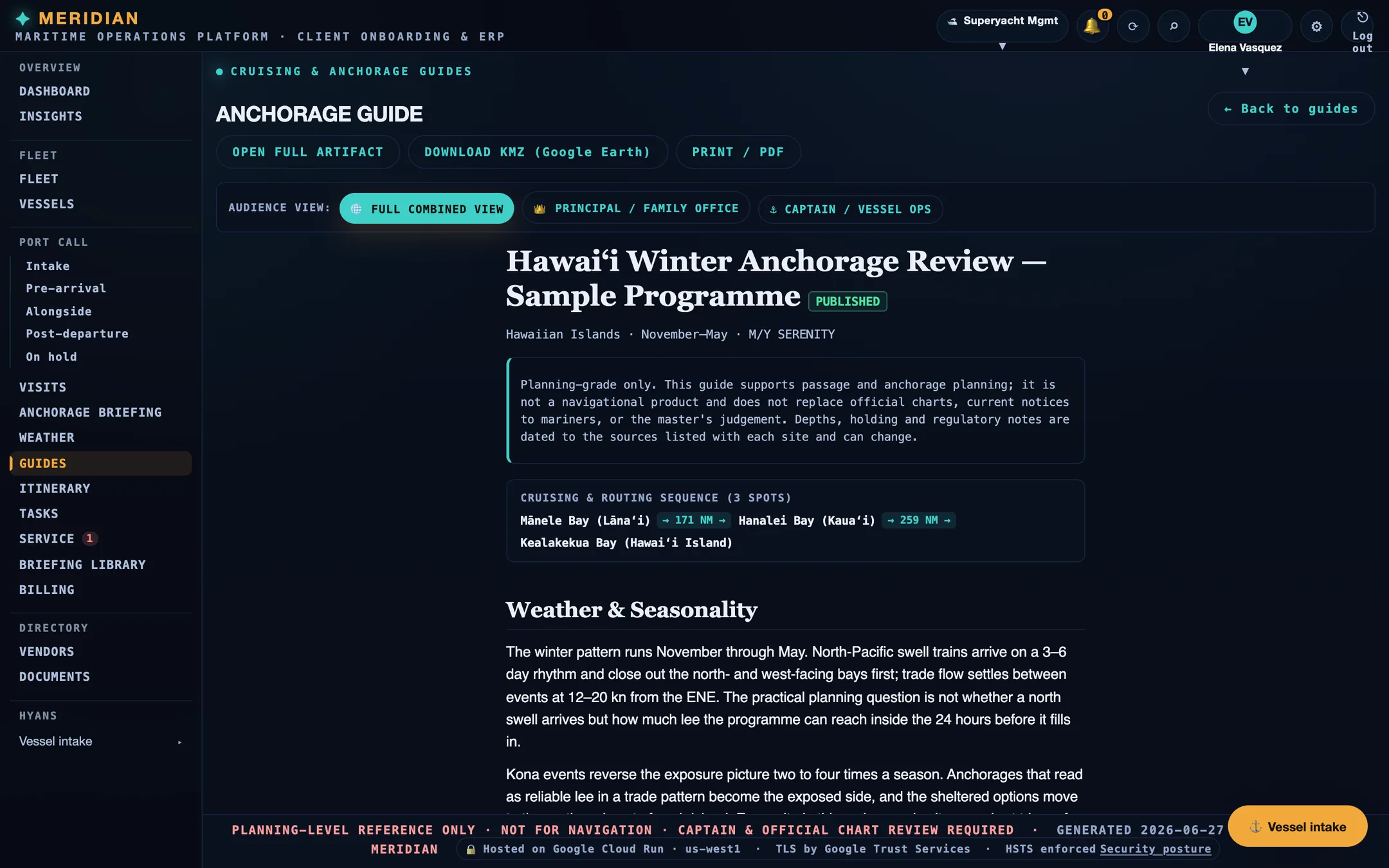
A published MERIDIAN anchorage guide with the planning-grade disclaimer, a three-spot cruising and routing sequence, and the weather and seasonality section.
A published guide, with audience views for the principal and for vessel operations.

Screens are from the current build, populated with sample data. Vessels, organisations, people, vendors, and figures shown are illustrative and are not those of any client.

Ready

Put one vessel on one operating file.

Every workspace begins with intake, review, and a written proposal. Guest workspaces are approved manually.