
Onboarding intake
Request access to MERIDIAN.
Four steps: operating model, plan & modules, organization, review. Your plan is composed and reviewed before anything is submitted — then the request for a guest login goes to platform staff for approval. Enterprise and custom programs route to a discovery conversation instead.
Whatever you need — request access, a demo, a guest workspace, tenant access, or an enterprise conversation — it starts here. Every request is reviewed and routed to the right team; nothing self-activates.
- Guest login · approval required
- Target pricing
- Enterprise via discovery
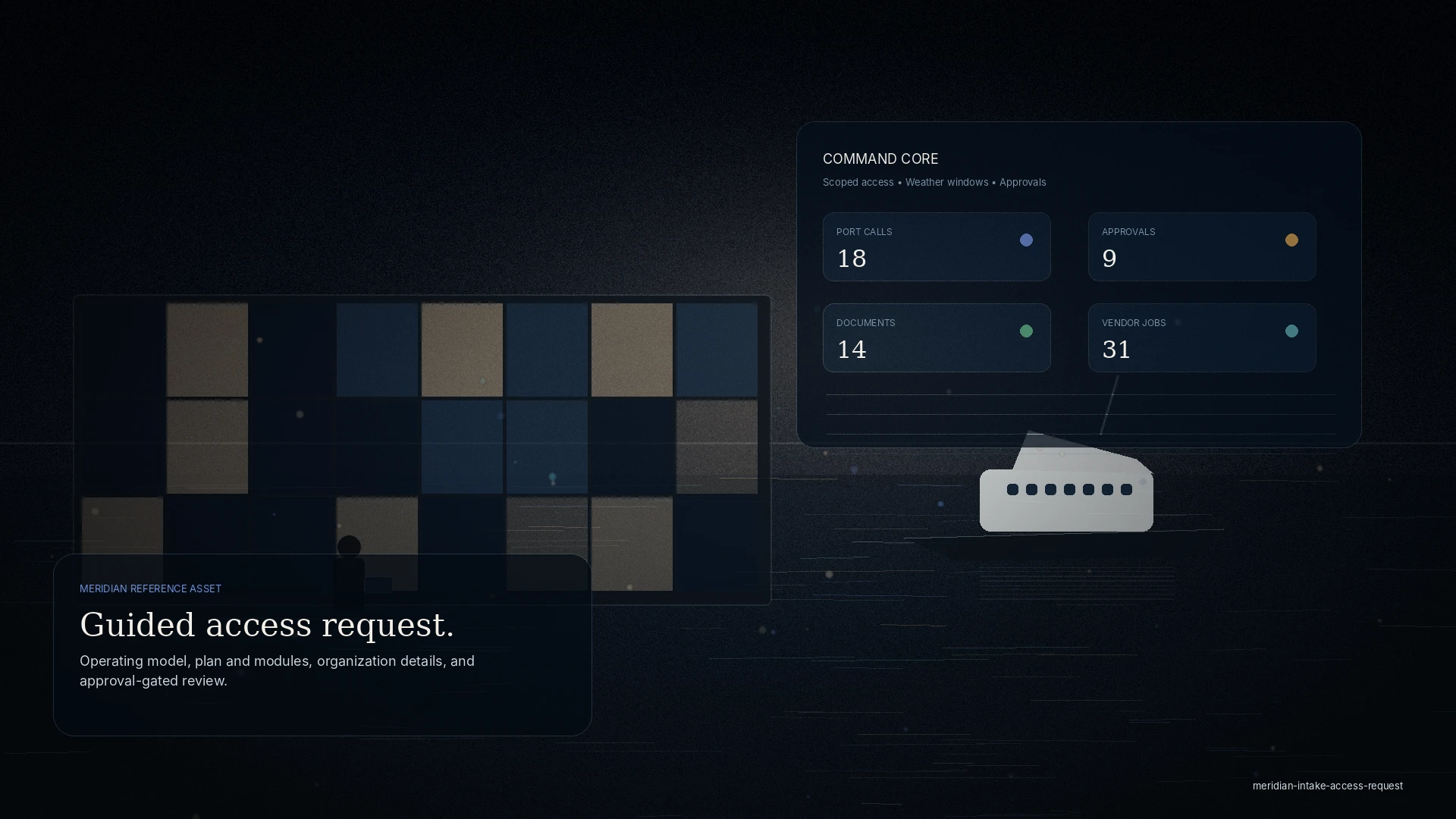
What intake looks like
The vessel intake this request opens.
Once access is approved, the vessel intake runs inside the workspace: ten steps, saved as you go, ending in a document list generated from the vessel’s category.
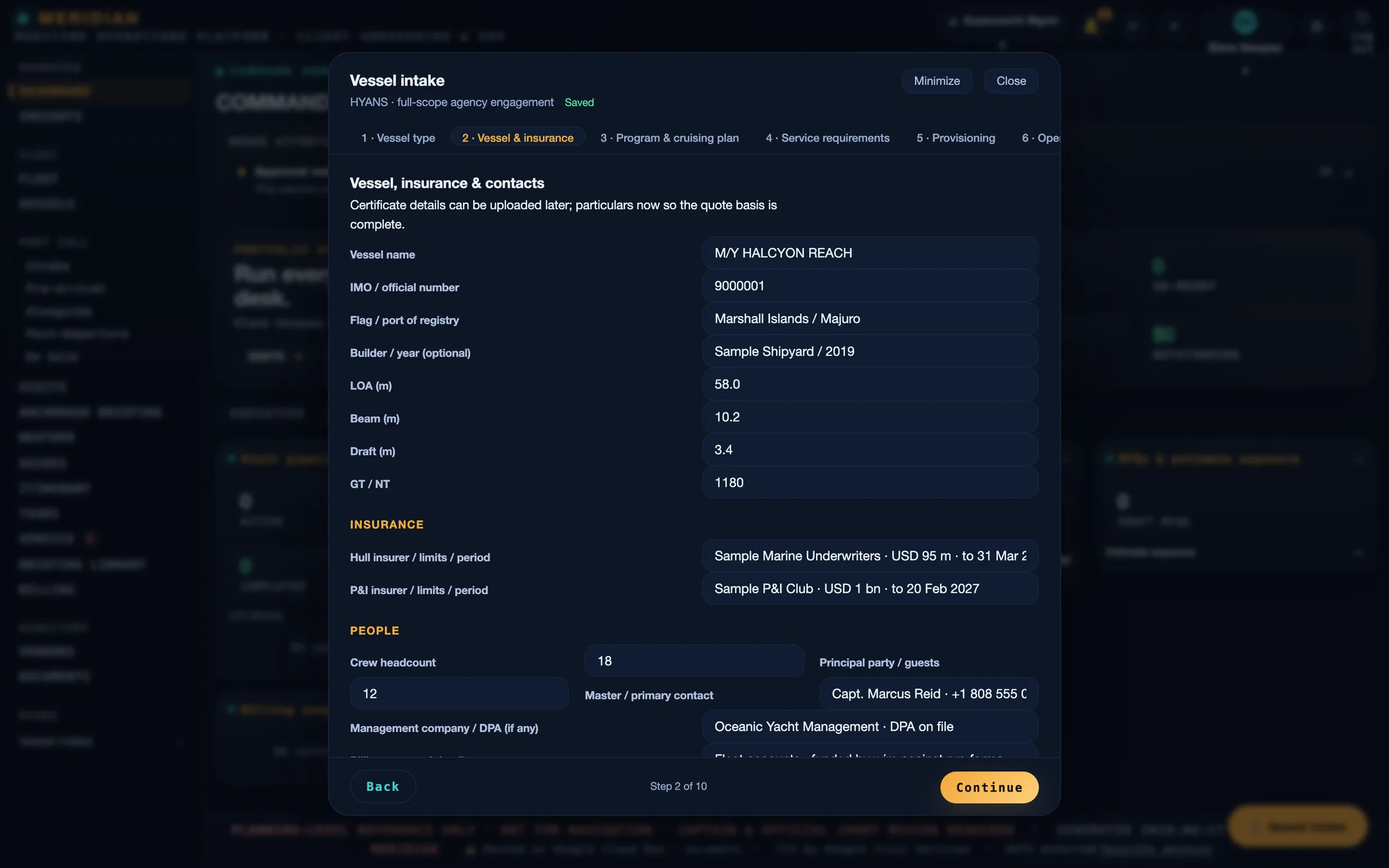
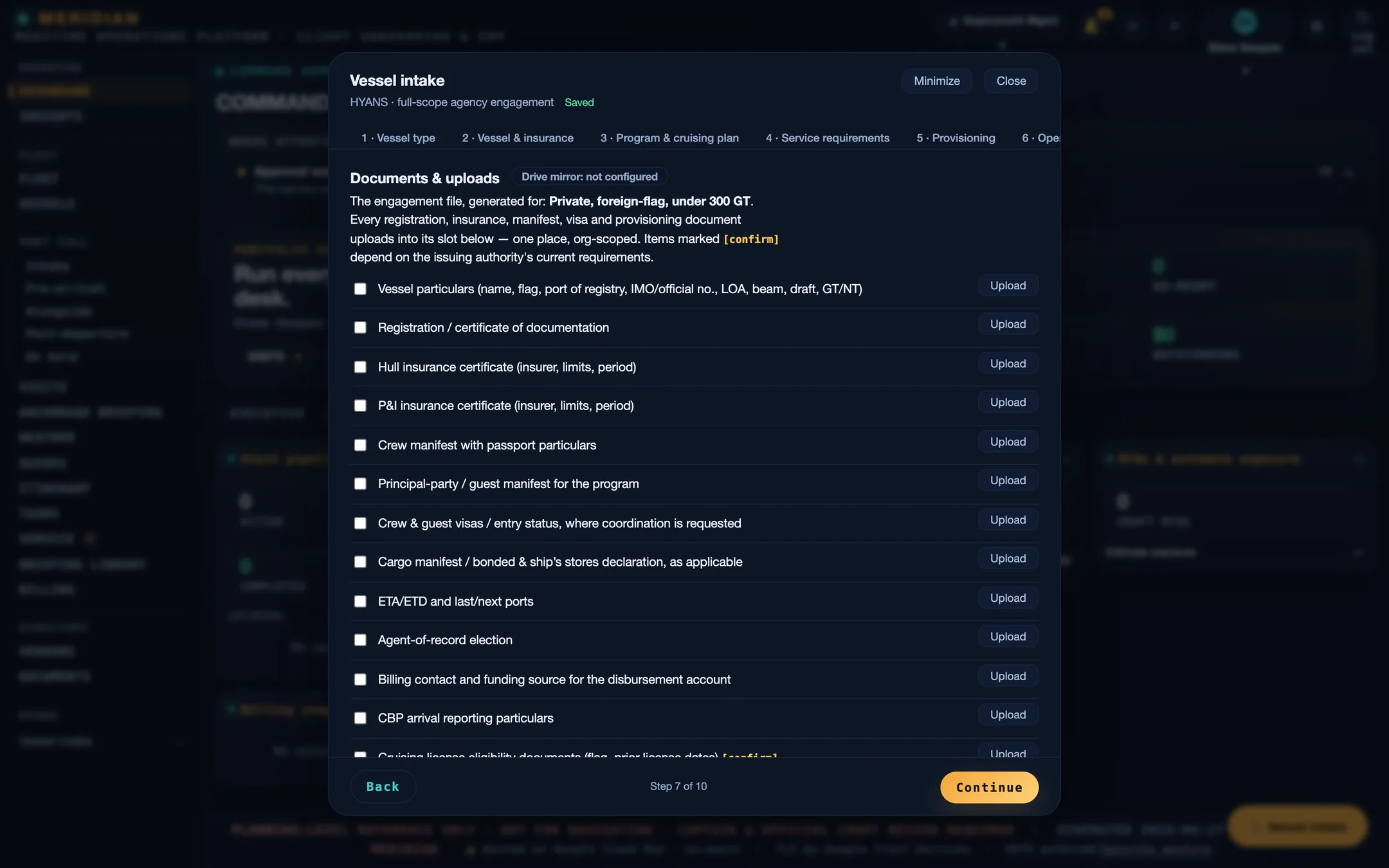
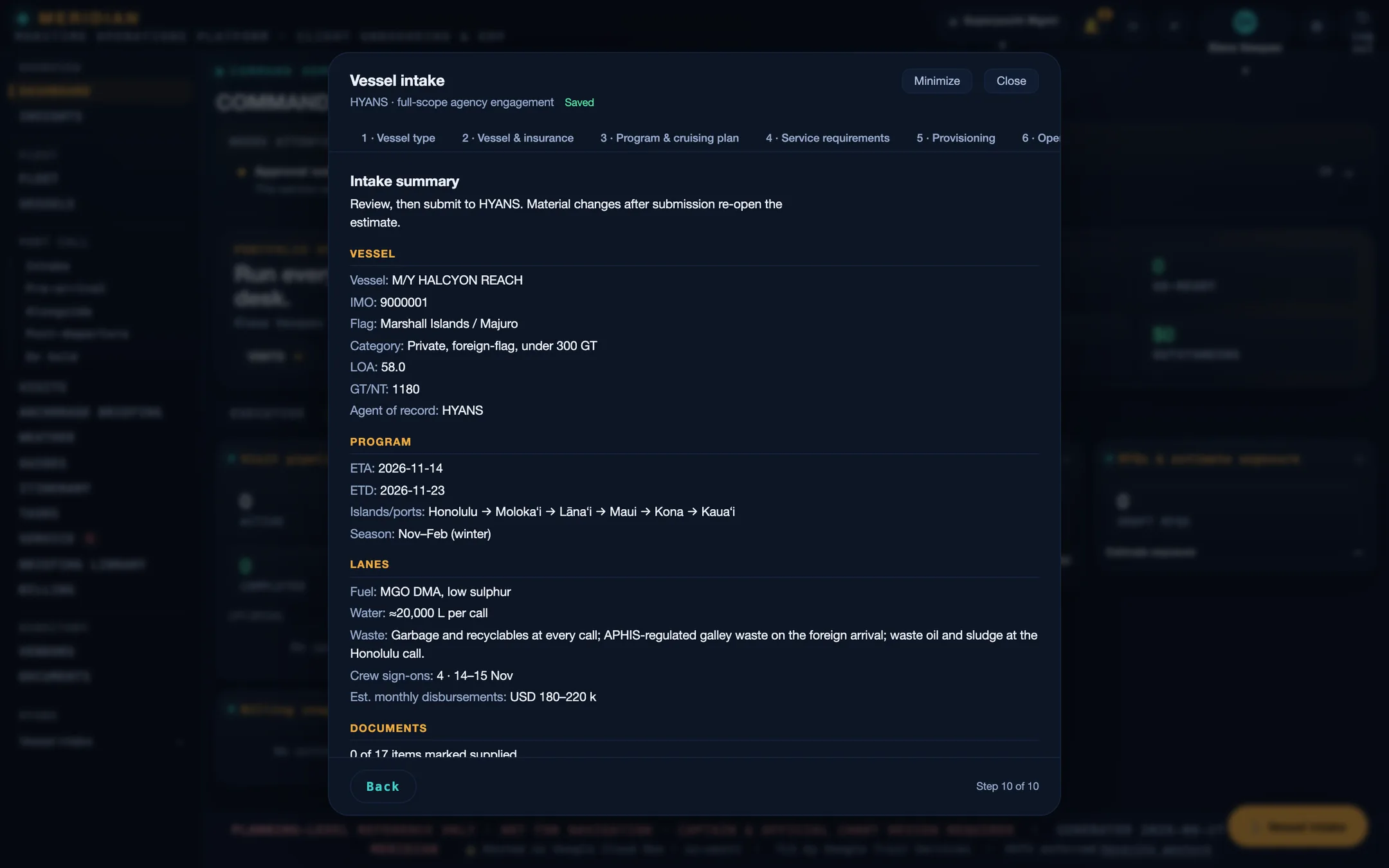
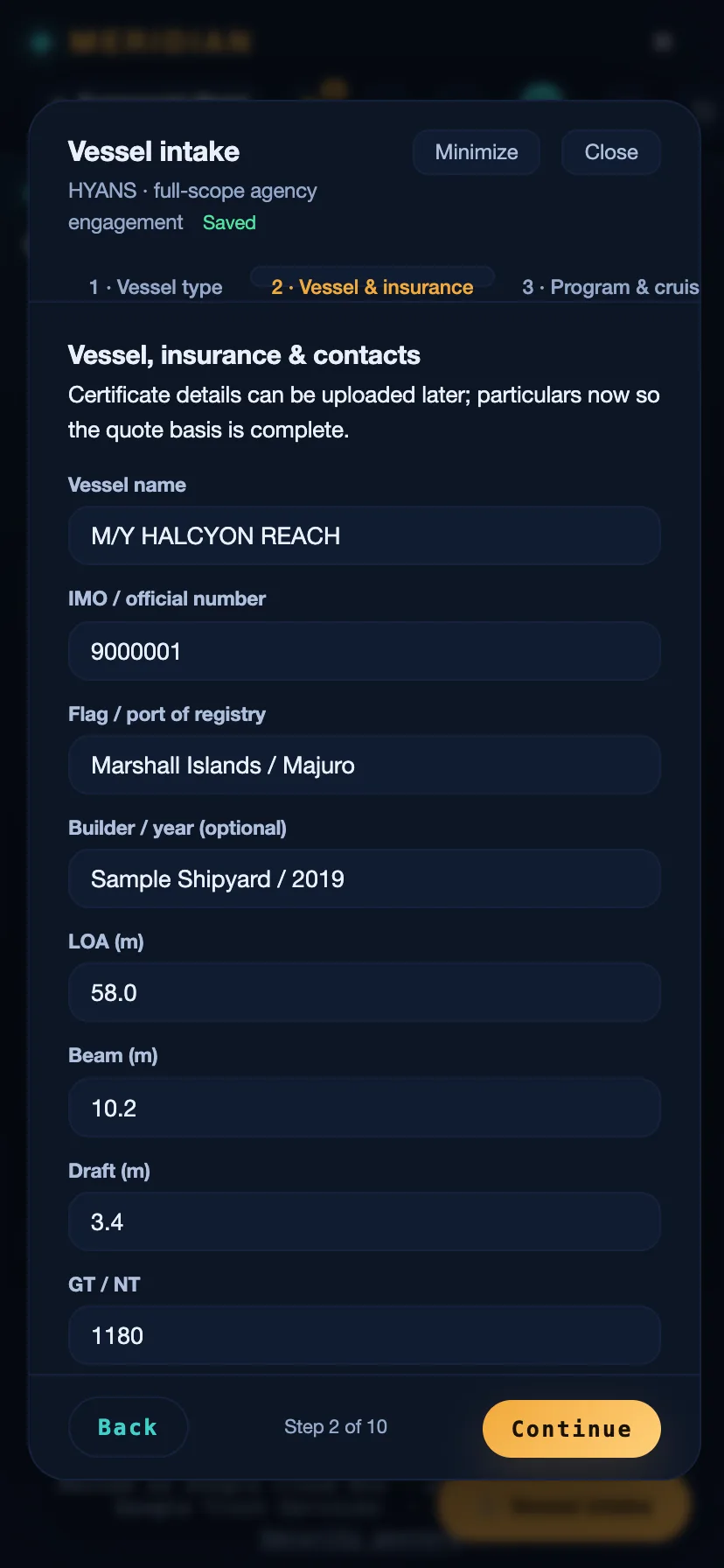
Screens are from the current build, populated with sample data. Vessels, organisations, people, vendors, and figures shown are illustrative and are not those of any client.