
Clearer scopes
Vendors get better job information before arriving.
Operations view
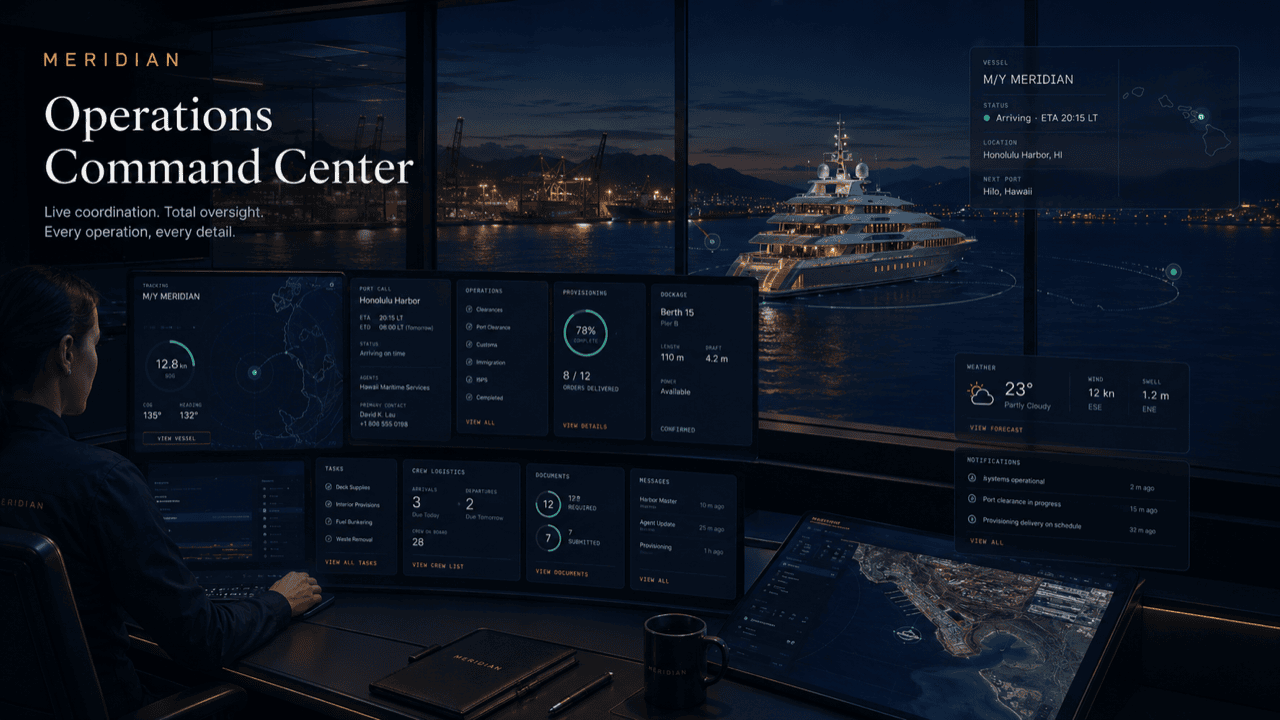
This page turns the selected role into a tailored operating-board story with metrics, queues, and practical work states specific to service vendors & contractors.
Board logic
The same underlying platform can look like a fleet desk, principal’s portal, captain desk, harbor control view, tenant service desk, or vendor dispatch board.
Vendors get better job information before arriving.
Arrival instructions and contacts are attached to the work order.
Photos and notes are captured at the point of work.
The requestor sees what happened and what remains.
Why a board
For a working vendor, the day is a moving list: which jobs are firm, which are waiting on a yes, which crew is behind which gate, and what still needs evidence before it can close. That list usually lives in someone’s head, a whiteboard, and three chat apps.
The ops view puts it in one place, in the states the work actually passes through — assigned, quote, on site, complete. Dispatchers sequence from it, field crews update it from the dock, and the management agencies, marinas, and captains who hired you read the same truth without calling to ask.
Boards shown on this site are intentional mockups of the operating pattern — sample tickets, sample counts. Your workspace shows your own queue, your own crews, and only the jobs you were dispatched to.
A live port call
A one-day call, kept generic: a visiting motor yacht arrives in the morning with three of your jobs against it.
The vessel confirms alongside. Your three jobs — fuel coordination, a provisioning delivery, and an afternoon dive hull check — sit in Assigned, sequenced against the vessel’s day, each with its own access window.
The fuel crew checks in; the board shows On Site to you, the dock desk, and the agency at the same moment. The provisioning van’s window is next, with the gate contact on the ticket.
The dive crew’s pre-check finds a fouled intake grate worth clearing. It goes up as a quote item; the board holds it in Quote, visibly waiting on a yes rather than silently stalling the afternoon.
Approval lands, the dive proceeds, and evidence flows in as work finishes — delivery photo from provisioning, meter reading from fuel, hull photos from the divers.
Two jobs sit in Complete with sign-off; one awaits review. Nothing is ambiguous overnight: what closed, what carried, and why is on the board, not in anyone’s memory.
Questions
No — it is a sample mockup of the operating pattern. A live workspace shows your own jobs, crews, and counts, scoped to the operations that dispatched you.
Yes. The dispatcher sequences from it and the crew updates it from the dock — check-ins, delays, photos, and completion all land on the same ticket.
No. Each requester sees the state of their own jobs only. Your queue across clients is yours; visibility is scoped per job.
Assigned is accepted work with an access window; Quote is work waiting on a priced yes; On Site is a checked-in crew; Complete is work holding evidence and awaiting sign-off.
They leave the board but keep their record — scope, thread, evidence, sign-off — on the vessel or site file, so repeat work starts from history instead of from scratch.
Get started
Request a walkthrough of the vendor board with your service categories and sites, or join free when a subscribing operation invites you. Access is reviewed and routed — guest workspaces are approved manually.